

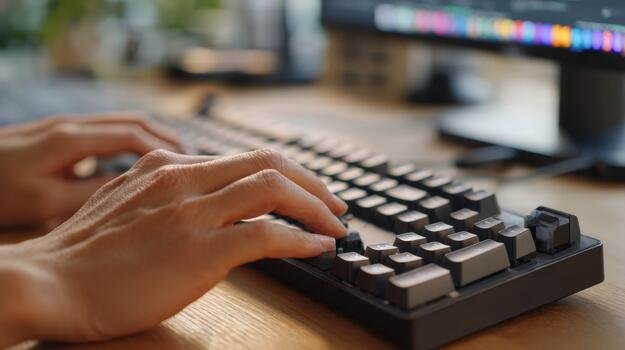
The keyboard is the most underrated part of a computer setup. We spend thousands of hours typing, yet many users settle for the cheap plastic board that came with their PC. In 2026, the market is flooded with “mechanical” and “membrane” options. But which one actually improves your productivity and saves your wrists from fatigue?
1. Understanding Membrane Keyboards
Membrane keyboards are the most common. They work by using a pressure-sensitive silicone or rubber layer that completes an electrical circuit when pressed.
-
The Feel: Often described as “mushy” because there is no physical click.
-
The Advantage: They are very quiet, lightweight, and extremely affordable. They are also often spill-resistant due to the rubber layer.
-
The Downside: They wear out faster. Once the rubber dome loses its elasticity, the keys feel heavy and unresponsive.
2. The World of Mechanical Keyboards
Mechanical keyboards use individual physical switches (spring-loaded) for every single key. This means every keypress is a precise mechanical action.
-
The Feel: Tactile and consistent. You know exactly when a key has been registered.
-
Durability: Most mechanical switches are rated for 50 to 100 million keystrokes, lasting decades.
-
Customization: You can change the “keycaps” to different colors or even swap the “switches” to change the sound and feel.
3. Choosing the Right Switch (The Color Code)
If you go mechanical, you must choose a switch type:
-
Blue Switches: Clicky and loud. Great for typists who love the “typewriter” feel.
-
Red Switches: Linear and quiet. Preferred by gamers for fast, repetitive tapping.
-
Brown Switches: A middle ground. They have a tactile “bump” but without the loud noise.
4. Ergonomics: Saving Your Wrists
Whether you choose mechanical or membrane, ergonomics matter. Look for keyboards with a wrist rest or a “split” design if you suffer from wrist pain. Mechanical keyboards often have a higher profile, so a wrist rest is almost mandatory for long hours.
5. Connectivity: Wired vs. Wireless
In 2026, wireless lag is a thing of the past. High-end wireless keyboards using 2.4GHz dongles are just as fast as wired ones. However, if you are a professional gamer, “Wired” is still the king of reliability. For a clean desk setup, “Bluetooth” is great for office work.
6. Gaming Features: N-Key Rollover and RGB
Gamers should look for N-Key Rollover, which allows the keyboard to recognize multiple simultaneous keypresses. RGB lighting, while aesthetic, can also be functional—allowing you to highlight specific keys used in software like Photoshop or Premiere Pro.
Conclusion
If you are on a budget and work in a quiet office, a high-quality membrane keyboard is a safe bet. However, if you want a premium typing experience that lasts for years, investing in a mechanical keyboard is one of the best upgrades you can make for your desk.